A website for your cleaning company: pricing by area, monthly contracts and quote requests
How to build a cleaning company website that turns a Google search into a quote request: the map listing, one page per service, a price-per-m² calculator, monthly contracts, work photos with permission and the areas you cover.
- Published on
Someone who searches for “cleaning company Tirana” or “post-construction cleaning Durrës” usually sees the map with Google business profiles first, and websites only after it. So the work starts with your Google profile, which puts you on the map. Your website comes straight after: it is where people go to find out what it costs, whether you cover their area and whether they can trust you with the keys to their home or office. A good site answers those questions without a phone call and takes the quote request even at midnight, with the floor area, date and photos you need to price the job.
Your customers search from their phones. According to INSTAT, 87.2% of people aged 16–74 in Albania used the internet in 2025, and 99.9% of them went online by mobile phone. The calculator, the form and the call button must work well there first.
Google’s guidelines and the laws mentioned were checked on the official sources on 12 November 2026. Terms change, so confirm them before you decide.
Your Google profile comes first
Google uses the cleaning company as its own example of a service-area business: one that visits customers rather than serving them at its own address. For this kind of business the rules are clear:
- Address: if customers don’t come to your office, remove the address from your profile and set the areas you serve (Google’s guidelines for Business Profiles).
- Areas: you can set up to 20 service areas by city, postal code or other area. The overall boundary shouldn’t extend more than about two hours’ drive from where your business is based.
- One profile: a service-area business has one profile for its whole area. A separate profile is only allowed for a branch with its own staff and area, not for a “virtual” office where nobody works.
- Categories: choose the fewest categories that describe your core business.
The profile also needs photos, opening hours, a phone number, services and reviews. We explain the steps in our Google Business Profile guide, and how to ask for reviews without breaking the rules in how to get Google reviews. The “Website” button on your profile should lead to your site, and what customers find there decides whether they get in touch.
One page per service
“Cleaning” means very different things to different customers. The owner of a freshly renovated flat wants cement dust off the tiles and windows; an office needs someone every evening; an Airbnb host needs the room ready within a few hours, between two guests. When each service has its own page, customers find theirs straight away, and Google has a clear page to show for a search such as “post-construction cleaning”.
| Service | What the customer wants | What to write on the page |
|---|---|---|
| Home cleaning | A clean home every week, or a deep clean before the holidays. | What a visit includes, how long it takes and whether you bring the products and equipment. |
| Post-construction cleaning | Dust, paint and mortar off the tiles, glass and doors. | What is removed and what isn’t, when you come after the works and with which machines. |
| End of tenancy | The flat ready for handover or for the next tenant. | The rooms and appliances that are cleaned, with photos at the end as proof. |
| Short-term rentals | The room ready between one guest leaving and the next arriving. | Time windows, linen changes, restocking and how you report damage. |
| Offices, clinics and shops | Regular cleaning without interrupting work. | Frequency, out-of-hours times and how keys are handed over. |
| Sofas, armchairs and rugs | Stains and dust gone without damaging the fabric. | Which materials you clean, how long they take to dry and whether you work on site or take them away. |
| Windows and shopfronts | Streak-free glass, even on upper floors. | Up to which floor you work and whether you clean the outside too. |
On each service page, say what is included, how long it usually takes, who brings the products and equipment, how the price is worked out, real photos of your work, common questions and a quote button. State just as clearly what is not included: inside cupboards, the oven, the balcony or the outside of the windows are the most common source of disagreements.
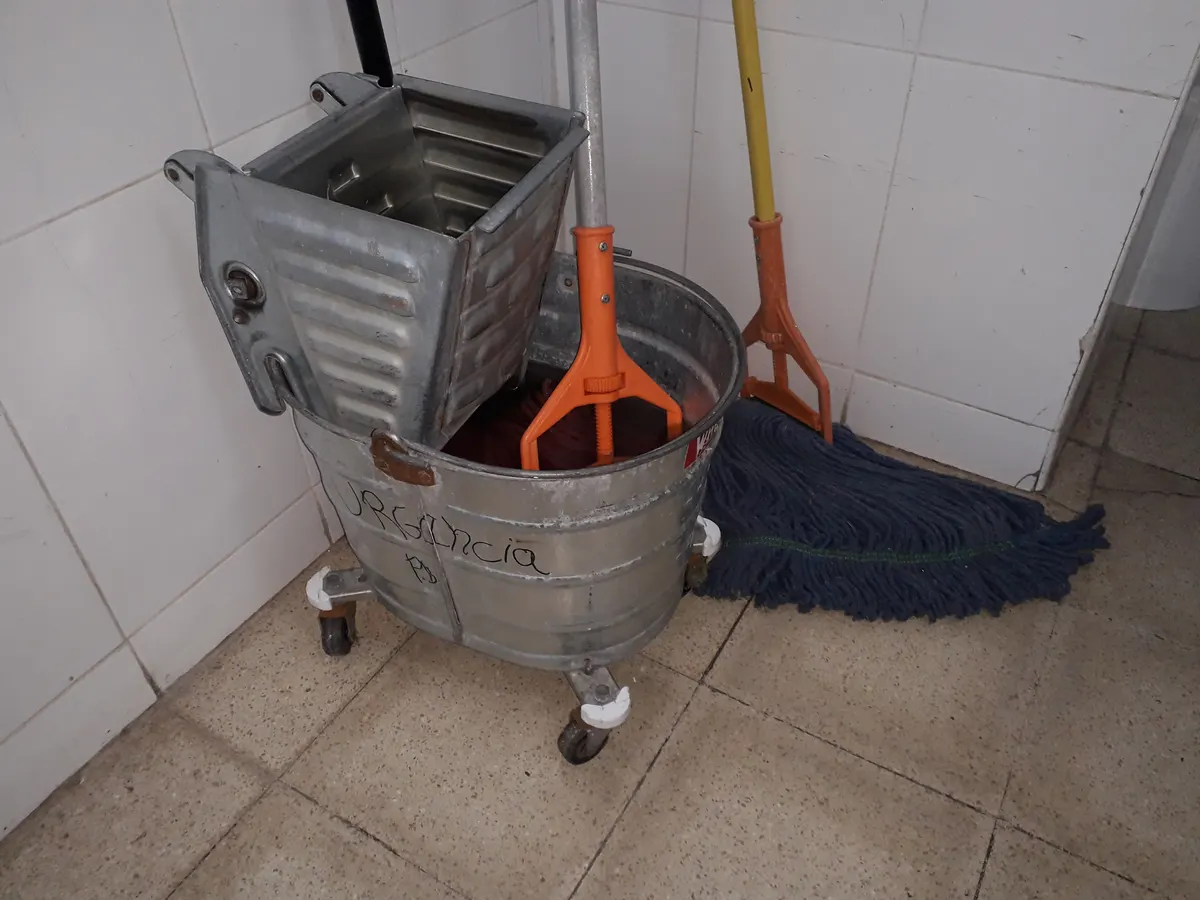
A price calculator by floor area
“How much is it?” is every customer’s first question. A calculator answers it at once with an indicative price and saves you calls from people looking for something else. Keep it simple, with five questions:
- Type of service: home, office, post-construction or end of tenancy.
- Floor area in m², and for homes the number of rooms and bathrooms.
- Condition: normal, very dirty or after building works.
- Extras: oven, fridge, windows, balcony, inside cupboards, sofa.
- Date, because weekends and holidays may be priced differently.
The result should say clearly “indicative price, confirmed after an inspection or photos”. For post-construction cleaning, where the condition varies a lot from one home to the next, give a range rather than a single figure. Also state the minimum charge per visit, the travel fee outside your area and whether the price includes VAT and an invoice, because businesses will ask.
Here is how the calculation might look. The figures are made up purely to show how it works; they are not market rates and not our prices.
| Step | Illustrative example |
|---|---|
| Service and area | Cleaning after renovation, 85 m² |
| Base price | 85 m² × 120 lek = 10,200 lek |
| Condition | Very dusty: +20%, so 2,040 lek |
| Extras | Glass on 6 windows: 6 × 300 lek = 1,800 lek |
| What the customer sees | About 14,000 lek, an indicative price confirmed after inspection |
Write the “from” price as text on the service page too, not only inside the calculator. Customers who skip the calculator see it at once, and the page text tells Google what you offer.
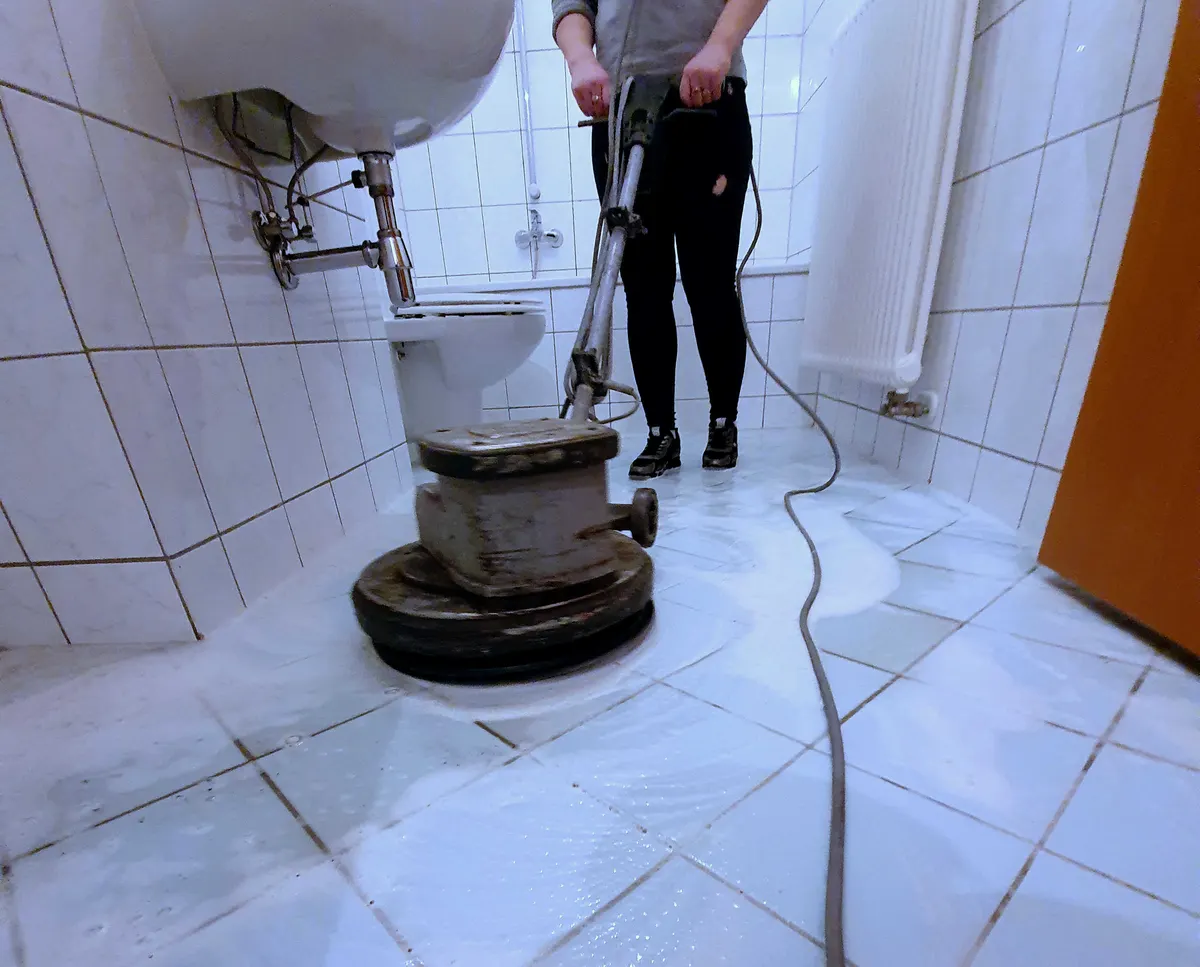
Monthly contracts: work that repeats
A one-off deep clean brings a customer once. An office, a clinic or a host with several short-term rentals brings work every week, and they are the customers who keep your teams’ calendar full. Give them a page of their own, for example “Contracts for businesses”, that covers:
- Frequency: daily, three times a week or weekly, and what each visit includes, as a list.
- Times: before opening or after closing, so work isn’t interrupted.
- Access: how keys or alarm codes are handed over and who the contact person is.
- Supplies: who buys the paper, soap and bin bags, and how they are invoiced.
- Cover: what happens when the usual cleaner is absent.
- Invoice and notice: a monthly invoice, the notice period to end the contract and how the price is reviewed.
For short-term rental hosts, explain how you handle the changeover between guests: the window between check-out and check-in, linen and towels, restocking, photos of the finished room and damage reports. How hosts build their own site and take bookings is covered in our guide to short-term rental websites.
A contract form asks for more than a one-off job: business name, area, floor space, number of toilets, frequency, times and start date. With those details you can send a written quote the same day.
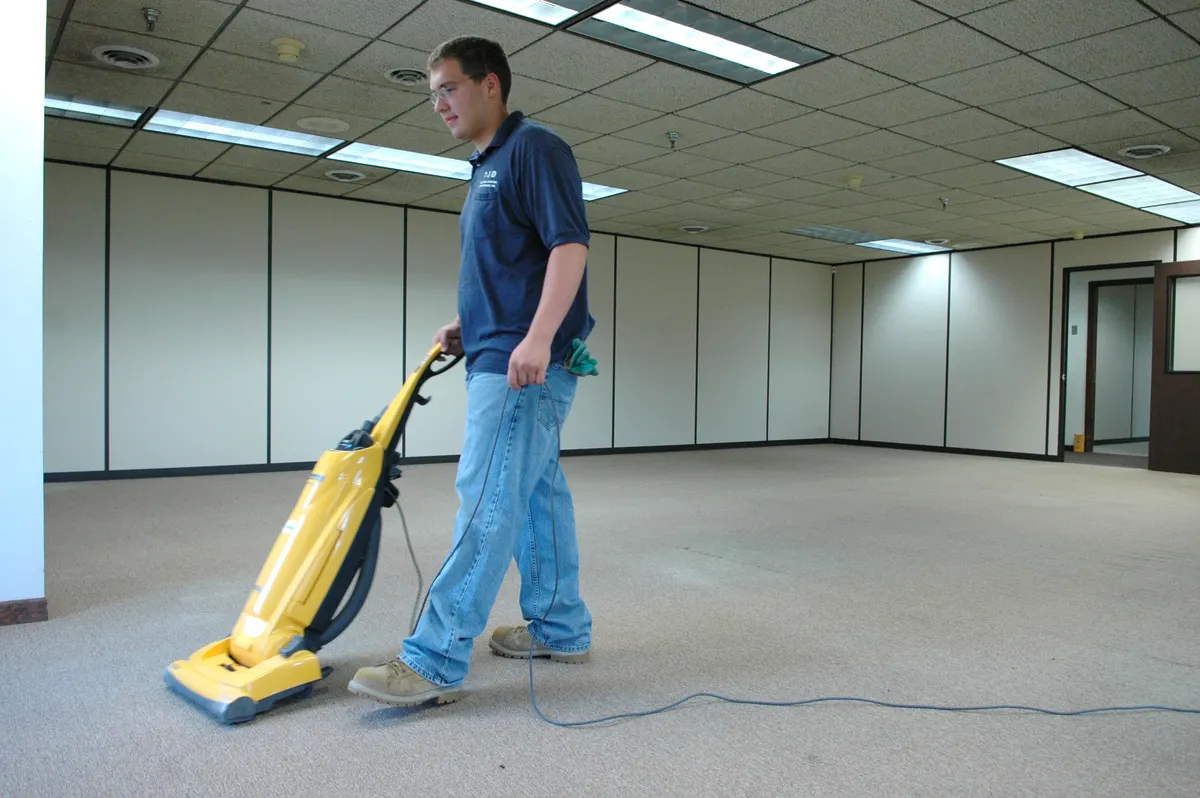
Work photos, before and after
Before-and-after photos are the strongest proof you have. To convince, they need to be real and comparable:
- Same angle, same light: shoot from the same spot, with the same lights on, before and after the job.
- No faces, addresses or personal items: don’t show the door number, a window view that reveals where the home is, documents or family photos.
- With the customer’s permission: ask in writing, even by message, before publishing. Albania’s Law No. 124/2024 on personal data protection requires consent to be as easy to withdraw as to give, so take the photo down when the customer asks.
- No misleading edits: you can correct the lighting, but don’t remove stains in software. A customer who notices won’t come back.
Stock photos of smiling cleaners convince nobody that this is your work. A few real photos taken on a good phone do more. We explain phone photography in our guide to product photos with your phone: light and angle work the same way for a floor.
When you put them on your site, give the files descriptive names (post-construction-cleaning-tiles-durres.webp, not IMG_2041.jpg) and write alt text that says what the photo shows, for example “Tiled floor after post-renovation cleaning in a flat in Durrës”. Screen readers read the alt text, and Google uses it together with the page content to understand what the image shows; the file name only gives it a very light clue (Google’s image guidelines).

The areas you cover
Customers want to know straight away whether you come to them. Create an “Areas we cover” page listing the towns or neighbourhoods, the travel fee for areas further out, how long it usually takes to get a visit and the minimum order outside the city. Keep the areas the same as on your Google profile.
Avoid one page per town with the same text and only the name changed. Google’s spam policies treat pages targeted at regions or cities that funnel visitors to one place, and substantially similar pages, as doorway abuse. A town page makes sense when it has something real to say: a team based there, different prices or times, photos and reviews from that town.
Who walks into your customer’s home
Customers hand you the keys to their home or office. Before they do, they want to know who is coming and what happens if something goes wrong. Write only what is true:
- The team: whether staff are your employees or subcontractors, how you train them and how they identify themselves on arrival.
- Insurance: if you are insured for damage, say what it covers. If you aren’t, don’t say so; explain how you deal with damage instead.
- Products and equipment: what you use on tiles, wood, marble or fabrics, and whether you have fragrance-free products for families with children or allergies.
- A checklist: what is done in each room, so customers can check at the end.
- If something is missed: how customers let you know and how quickly you come back.
- The company: your legal name and tax number (NIPT) in the footer help businesses that need an invoice.
Google reviews are proof customers can check for themselves. Link to them from your site, and after each job send the customer your direct review link.
The quote form and booking
The form should give you what you need to price the job without wearing the customer out:
| Field | Why you need it |
|---|---|
| Type of service | So the request reaches the right team. |
| Area or neighbourhood | For travel and scheduling. You can take the full address once the job is confirmed. |
| Floor area, rooms and bathrooms | For the price. |
| Condition and extras | For the time needed and the size of the team. |
| Preferred date and time | To put it in the calendar. |
| Photos, optional | For a more accurate price without a visit. |
| Phone or WhatsApp | To confirm. |
For regular services, such as weekly home cleaning, you can let customers book directly from available dates and times. How to choose the software and test it is covered in our online booking guide. For post-construction cleaning and contracts, a quote request works better. Ask only for what you need and reply quickly: someone who writes to three companies at once usually picks the one that answers first. The most common mistakes are summed up in our contact form guide.
Illustrative example: a cleaning company with two teams in Tirana
A company with two teams works in Tirana and Durrës. Most customers come from its Google profile and from word of mouth, and prices are given by phone after asking about the floor area. The owner removes the home address from the profile and sets Tirana, Kamëz and Durrës as service areas. On the website, they create one page for home cleaning, one for post-construction cleaning, one for offices and one for short-term rentals, each listing what it includes, with real photos. They add a calculator that gives a price range and a form where customers can upload photos.
For offices and short-term rentals, they open a “Contracts for businesses” page with frequency, times and a contract form. After three months, they compare how many requests came through the site, how many became jobs and how many monthly contracts were signed, and which questions still arrive by phone.
Checklist
- Is the address hidden on your Google profile if customers don’t visit you, and are the service areas accurate?
- Does each service have its own page, saying what is and isn’t included?
- Does the calculator give an indicative price and say clearly that it is confirmed after inspection?
- Have you stated the minimum charge, travel outside your area and VAT?
- Is there a page for monthly contracts, with its own form?
- Are before-and-after photos real, taken from the same angle and published with the customer’s permission?
- Do photos have descriptive file names and alt text that says what they show?
- Are the areas the same on your site and on Google, with no town pages repeating the same text?
- Does the site say only what is true about the team, insurance and products?
- Do form requests reach you immediately, and do you answer within the day?
Frequently asked questions
Do I need a website if I have a Google profile and Instagram?
The profile puts you on the map and Instagram shows your work. The website answers the questions that come before a quote, such as price, areas and what a service includes, and takes the request with the details you need. Without it, all those questions arrive by phone or message. We compare the two in website or Instagram.
Should I publish my prices?
You don’t have to, but customers who find no price at all often move on to the next company. A “from” price or a range, together with the calculator, is enough for them to decide whether to contact you.
How many town pages should I create?
One page listing all your areas is usually enough. Create a page for a town only when you have something specific to say about it: a team there, different prices or times, photos and reviews from that town.
Can I use photos from the internet?
Only if the licence allows commercial use and you credit the author as the licence requires, as with the photos in this article. For your own work, though, your own photos are more convincing: they show your team, your equipment and your results.
We build websites for cleaning companies with service pages, a price calculator and quote and contract forms, connected to your Google profile. See our website design service or tell us about your company.