How to create a business website: from brief to launch
Plan your pages, prepare the content and test the result. A worked example for a service business and a practical checklist for launching your website.
- Published on
To create a business website, first decide what a visitor should achieve: request a quote, make a booking or buy a product. Then plan the content, choose how the site will be built, connect the domain to hosting and test the site before launch.
1. Write a concrete brief
“I want a modern website” does not give you enough to decide what to build. A more useful brief is: “Visitors should see our work, understand where we operate and send photographs for a quote.” That helps define both the structure and the enquiry form.
Write down your intended customer, their three most frequent questions and the main action you want them to take. If the goal is direct sales, include products, payments and delivery from the start.
2. Plan the pages: a worked example
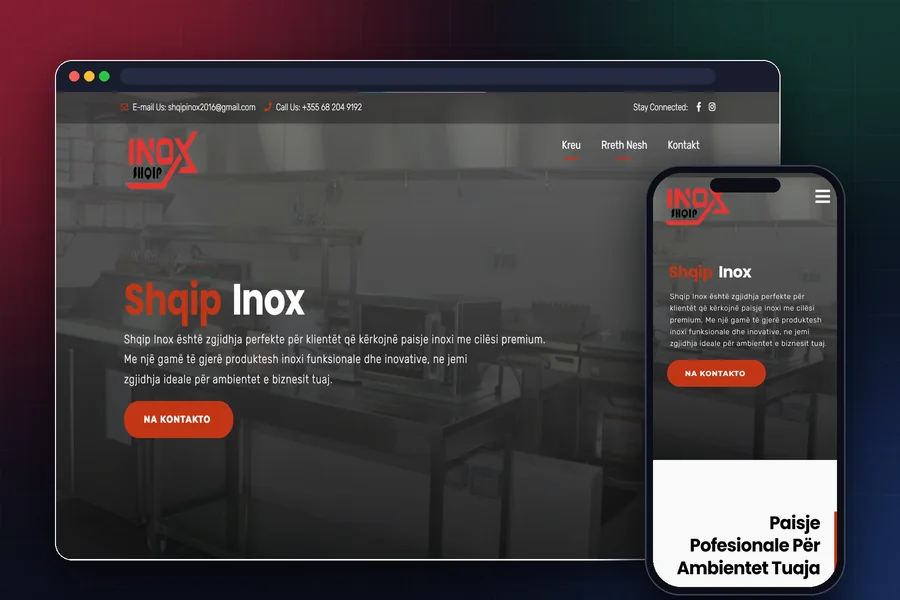
Illustrative example: a renovation company wants more quote enquiries. Its starting structure could be:
- Home: the work it does, the area it serves and a link to request a quote.
- Services: what each service includes and what information the team needs from the customer.
- Projects: real photographs, a description of the work and the materials used.
- About: who does the work and how the company works with customers.
- Contact: phone, email and a form asking for a name, contact details, location and project description.
This is a planning example, not a mandatory page count. A photographer may need more space for a portfolio; a product catalogue needs categories and specifications.
3. Prepare the content before design
For each page, collect its heading, copy, photographs and the action visitors should take. Use photographs of your work or materials you have permission to use. Service names should make sense to somebody who does not already know your business.
Plan translations as part of the scope. Decide who supplies and reviews them: an English menu with Albanian content underneath does not complete the English version.
4. Decide who will update the website
If you will frequently add products or articles, ask for an administration panel and try adding an item yourself. A company website that rarely changes may suit a simpler solution with updates handled by a developer. Compare export options, maintenance and recurring charges.
5. Choose the domain and hosting
The domain is the website address; hosting makes its content available to visitors. They can be purchased separately or together. MDN explains the publishing basics.
Keep control of the domain account, recovery email and renewals; our .al domain guide explains how to choose and register one. If you already use business email, clarify how it will be preserved when connecting the new site. Read our website hosting guide.
6. Test a complete customer journey
- Open the site on your phone and find a service through the menu.
- Read its description without zooming and open a project.
- Send a test enquiry and check that the recipient actually receives it.
- Try leaving out a required field: the message should explain what to correct.
- Check links, photographs, language versions and real contact details.
7. Publish and observe how people use it
Check HTTPS and public access, then use Google Search Console to investigate indexing. Google distinguishes discovering a page, indexing it and serving it in results; publication does not guarantee all three. How Google Search works.
After launch, note which questions customers still ask and use them to improve the content. To plan the budget, read how to compare website proposals. If you need help building the site, explore our website design and development service.